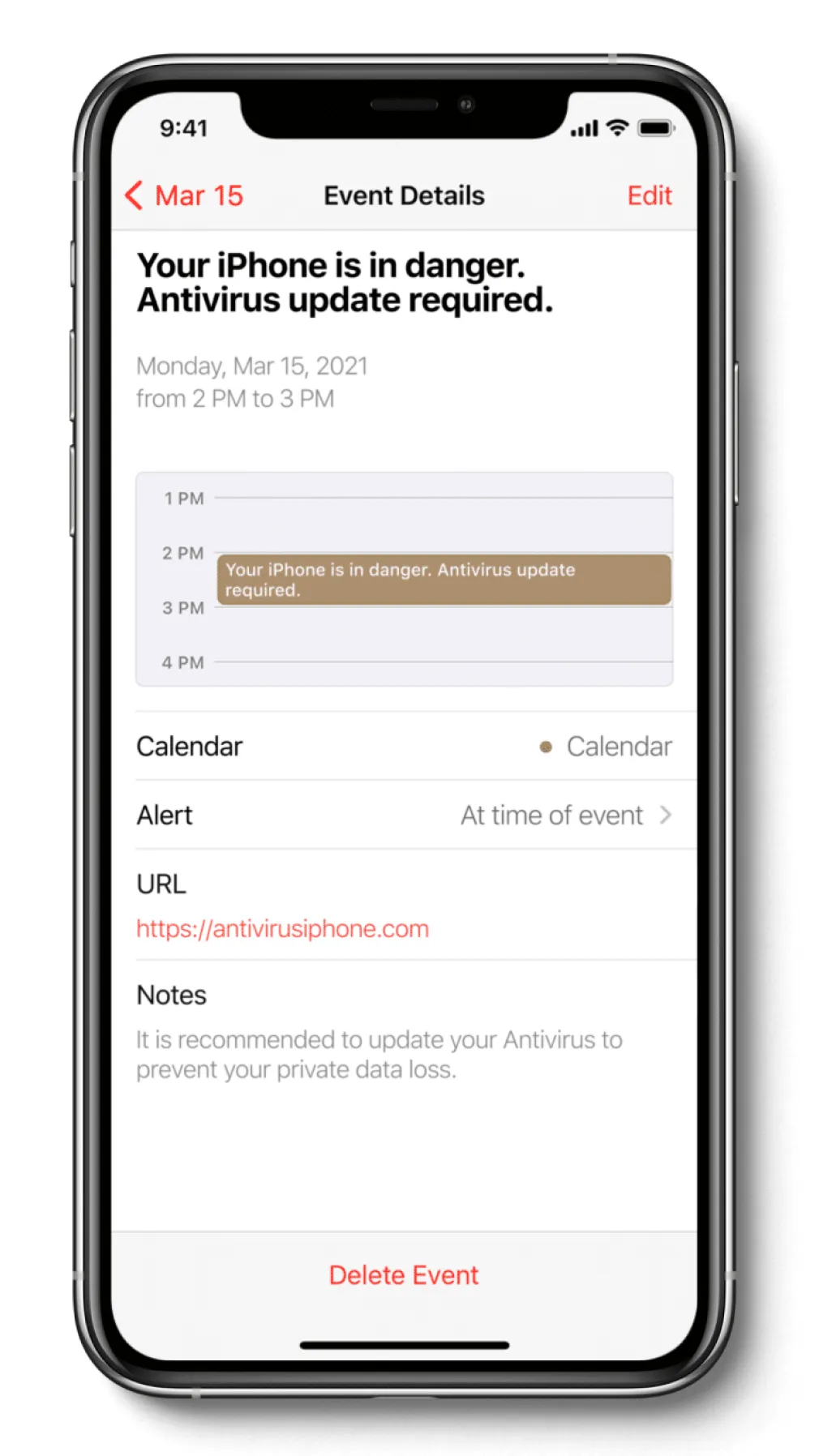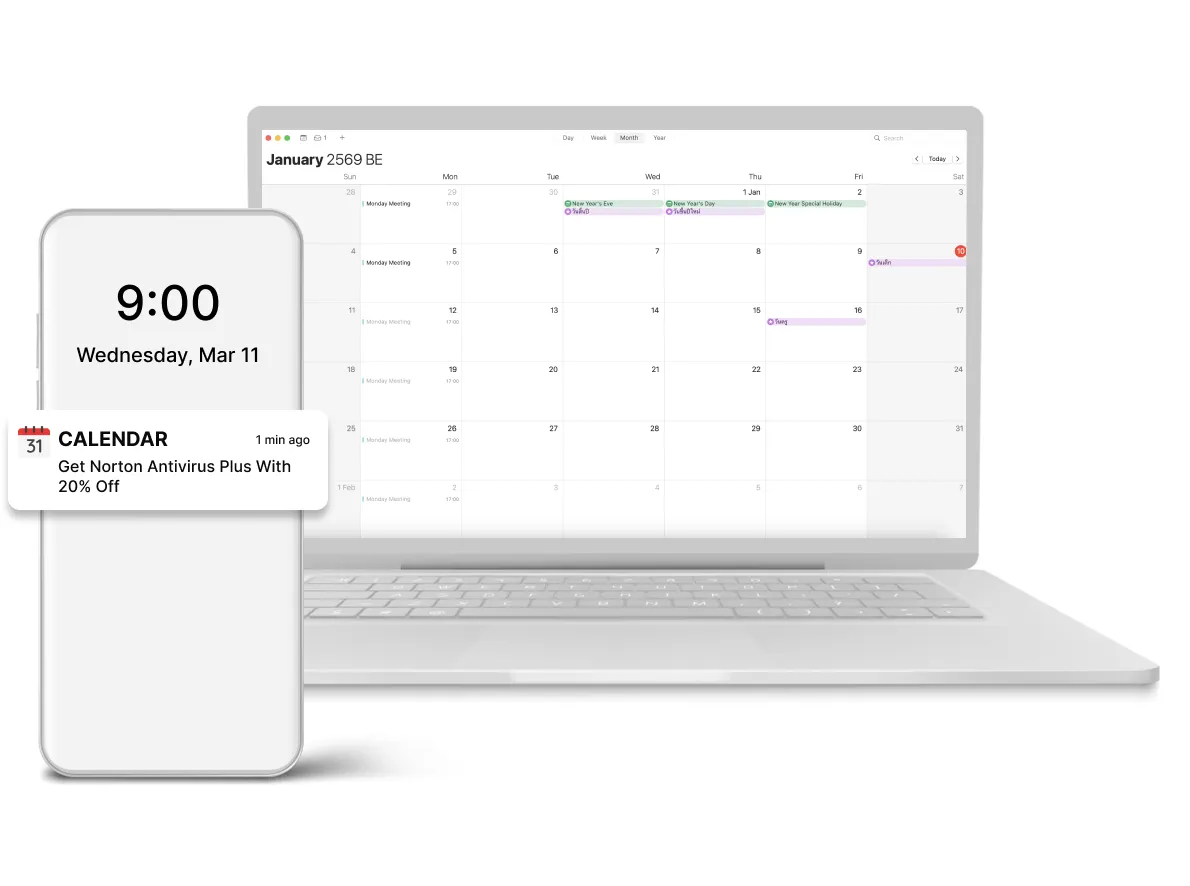
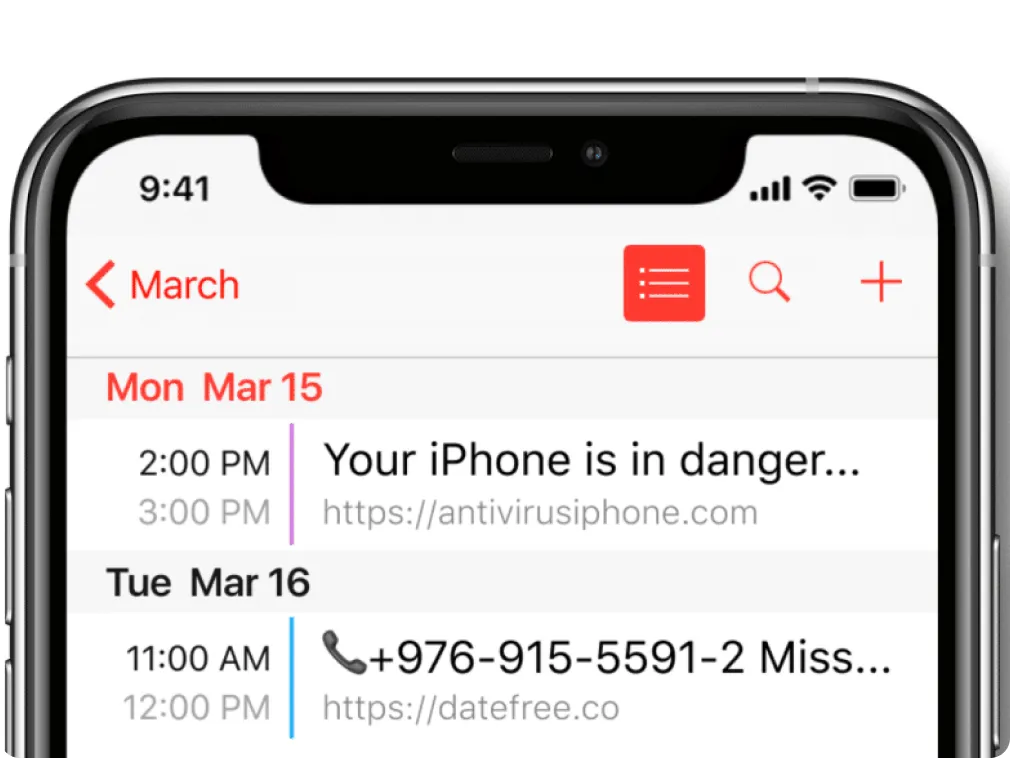











iOS Calendar push traffic is what is now available for TrafficSigma advertisers. Check the simple instruction on how to launch the new hot ad format with the ad network:
- Create an account at TrafficSigma or Log In.
- Choose a Push campaign type.
- Go through Creatives (add some icon in case you add not only calendar sources later), Tracking, Budget, and other settings. Learn in detail how to set up a push ads campaign in our guide.
- In Sources, choose calendar push subscriber lists. They are marked with a black circle.
- In your account, the Insights tab will show you Impressions, Avg CPC, and Top CPC by Country in real-time.
We also recommend contacting your traffic source manager for a fair idea of what is working and what is not working on the platform. Moreover, TrafficSigma can share a whitelist for your offer on request.